
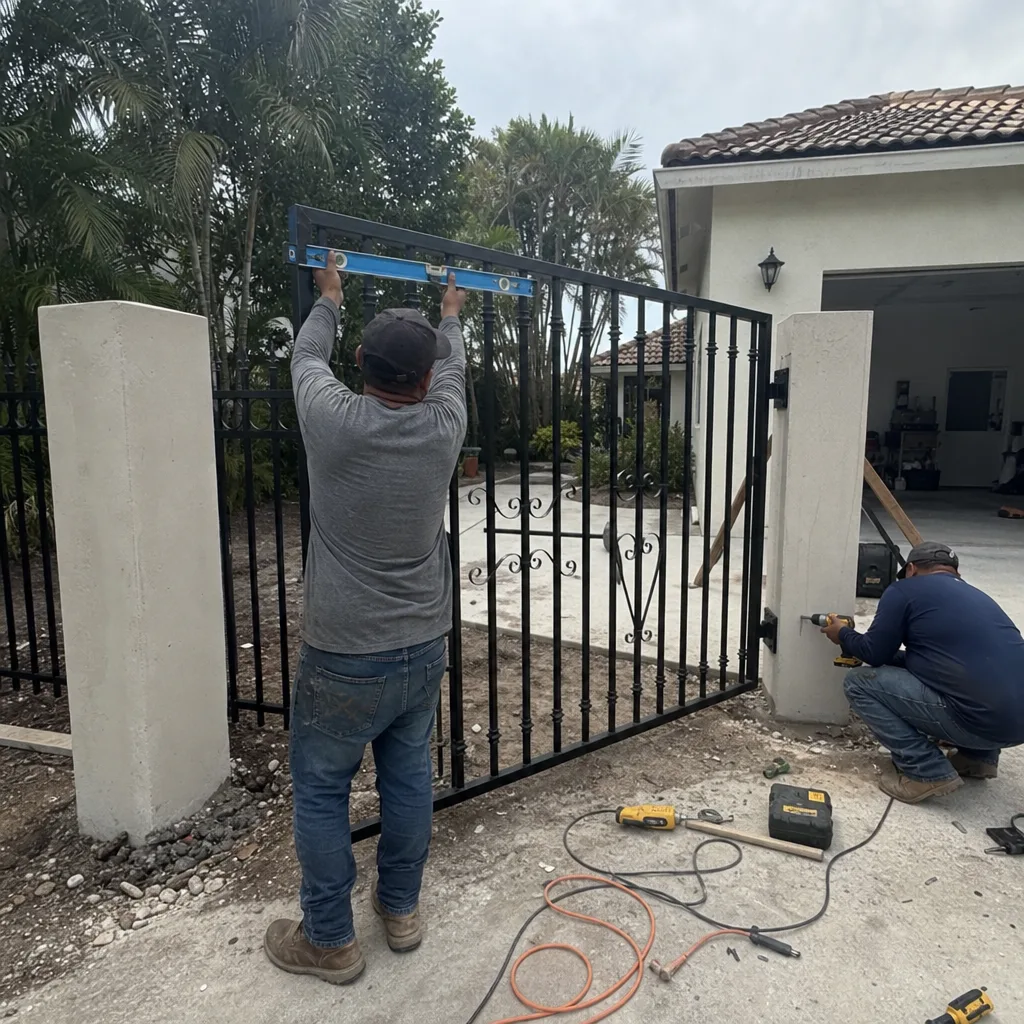
Last updated October 30, 2026
 Wrought iron
 Wood & steel frame
 Farm & ranch
 Sliding driveway gates
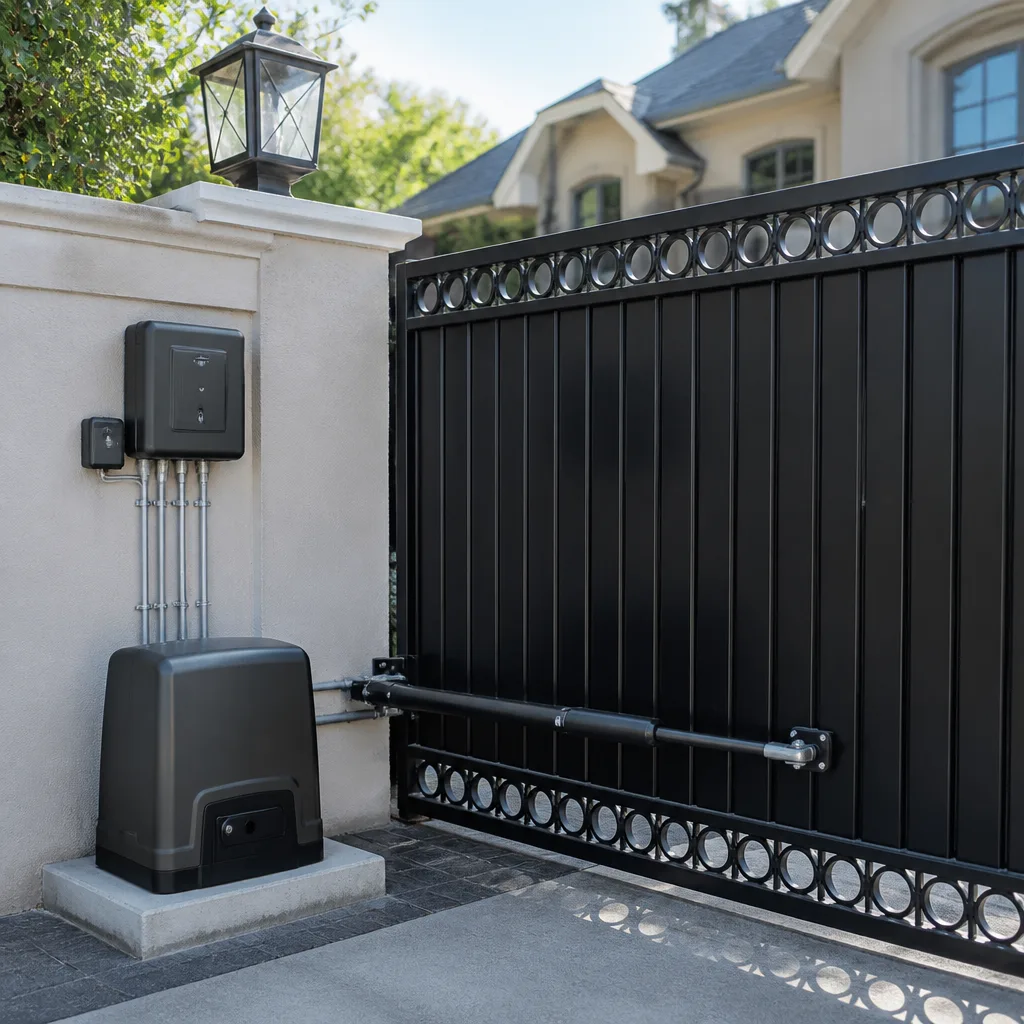 LiftMaster operators
Free on-site gate assessment - hinges, posts, and your LiftMaster or Nice gate operator checked before anything is quoted
The assessment is free and the quote is the invoice.
Get your free estimateGate Repair Troubleshooting: Common Problems and How to Fix Them
Here’s something most gate troubleshooting guides won’t tell you: a gate that reverses before fully opening is not a gate with a sensor problem. It’s a gate telling you something, and “something” could be a misaligned limit switch, an obstruction in the track, a failing capacitor, or a control board throwing a fault code. Replacing the sensor fixes exactly zero of those. This guide walks you through a symptom-first approach we use every week in Fort Myers, where salt air and summer heat accelerate gate failures in ways inland technicians rarely see. You’ll learn how to read your gate’s behavior, decode the fault codes your operator is already flashing, and know with confidence which fixes are safe to do yourself and which ones need our Gate Repair services.
Quick Answer
Gate repair troubleshooting works backwards from the symptom, not the part. Slow movement points to batteries, capacitors, or hinge wear. Reversal points to limit switches, track obstructions, or board faults. No response points to power, batteries, or the control board. Start by capturing the exact behavior and any flashing fault code on the operator, then work through the most likely component suspects in priority order before replacing anything. In Fort Myers, our most common gate failures are weather-driven: salt corrosion on boards, heat-stressed capacitors, and storm-shifted tracks. For Gate Repair Warning Signs: A Fort Myers Homeowner’s Reference Guide, see our dedicated resource.
Styles & brands we work with
Table of Contents
- The Symptom-First Diagnostic Tree
- Slow Movement: Three Root Causes, Not One
- Gate Reverses Before Fully Opening
- No Response: Power, Batteries, or Board
- Partial Opening and Stopping Mid-Cycle
- Grinding Noise and Other Unusual Sounds
- Reading Fault Codes from Common Brands
- DIY vs. Professional: The Safety and Warranty Line
- Why Intermittent Failures Matter More Than Constant Failures
- The Three-Question Filter Before Ordering Any Part
The Symptom-First Diagnostic Tree
Most people start troubleshooting with the question “what part is broken?” We start with “what is the gate actually doing?” because that tells you where to look. A gate that moves slowly and a gate that reverses before opening might share a failing capacitor, but they might not. Mapping the symptom to the most likely component saves you from replacing parts that were never the problem. Here’s the priority order we use when a gate comes into Courtyard Gate Repair home with a complaint:
- Slow movement: Check batteries first, then capacitor, then hinge and track friction. In that order.
- Reversal mid-cycle: Check limit switch alignment, then track obstruction, then board fault code.
- No response at all: Check power source, then battery backup, then control board. The board is last because it’s the most expensive guess.
- Partial opening: Check limit switches and travel settings, then inspect for a physical obstruction that only appears at a certain point in the arc.
- Grinding or squealing: Check wheels, hinges, and the operator’s internal gear. This is mechanical before it’s electrical.
This tree works because gate systems fail in predictable patterns. A Viking operator in a Fort Myers courtyard faces different stressors than a BFT board in an air-conditioned Naples garage. But the failure cascade is remarkably consistent once you know what to look for.
Slow Movement: Three Root Causes, Not One
A gate that has slowed down over weeks or months is never just “old.” Something changed, and finding what changed is the whole job. In our experience with Electric Gate Repair in Fort Myers, slow movement almost always traces to one of three things, and they fail in this order:
1. Battery Backup Deterioration
Most automated gate operators have a battery backup system, even if you never think about it. Those batteries typically last 3 to 5 years in a climate like Southwest Florida’s. As they age, they can’t deliver the current the motor wants, so the gate moves, but sluggishly. This is the single most common cause of slow gates we see in Fort Myers, especially on properties where the gate cycles fewer than 20 times a day. Low usage actually wears batteries faster because they never get a full discharge cycle to stay healthy. If your gate is slower than it was six months ago and you can’t remember the last time the backup batteries were replaced, start there.
2. Failing Capacitor
The capacitor is the component that gives the motor its initial kick. When a capacitor starts to fail, the gate might hum for a second or two before moving, then move slowly. Florida’s heat is brutal on capacitors. We replace failed capacitors on LiftMaster and Linear operators regularly in Fort Myers, often in units that are only 4 to 6 years old, because sustained heat and humidity shorten the capacitor’s life. If your gate hesitates before moving and the movement feels weak even on a full battery, the capacitor is the prime suspect.
3. Hinge, Wheel, and Track Friction
Mechanical friction matters more than people think. A gate that scrapes against a sagging post or has wheels with flat spots will always run slow, no matter how healthy the motor is. In coastal Fort Myers, oxidation and salt corrosion on hinges and wheel bearings add resistance over time. If you can hear any scraping or see the gate wobble as it travels, you’ve found at least part of the problem. Lubricating a gate with the wrong product can actually attract sand and make friction worse, which is why we recommend a dry silicone-based lubricant applied sparingly.
The important takeaway: slow movement is a symptom that maps to three very different root causes. Replacing the battery when the capacitor is failing gets you nowhere. Diagnosing the source before ordering parts is what makes a repair actually stick.
Gate Reverses Before Fully Opening
This is the symptom that frustrates people the most because it feels random. The gate starts to open, runs for a few seconds or most of the way, then reverses and closes again. The truth is, this behavior is rarely random. The gate’s control system is responding to an input, even if that input is a false signal created by a failing component. Here’s what’s happening, in order of likelihood:
- Obstruction detection engaged: Most modern operators have a force sensor or an obstruction detection loop. If the gate meets resistance as it opens – say, from a warped track or a stick jammed in the wheel guide – the system interprets that as an obstacle and reverses to prevent damage or injury. Find and remove the obstruction, and the symptom often disappears.
- Misaligned limit switch: The limit switch tells the operator where the gate’s open and closed positions are. If the switch has drifted out of alignment, the board might think the gate has reached its open limit prematurely, then command a reversal. This is especially common on gates that have been bumped by a car or shifted in a storm.
- Board fault code triggering reversal: Some operators, especially BFT and Viking models, will reverse as a failsafe response to certain fault conditions like a thermistor reading an overheat. If the board is misreading its own inputs, the reversal is a symptom of a deeper electrical issue.
- Failing capacitor delivering inconsistent current: A capacitor on its way out can provide enough current to start the gate but not enough to sustain movement. The motor stalls, the board interprets the stall as an obstruction, and the gate reverses. This gets misdiagnosed as a sensor problem constantly.
The key insight: the gate is not broken in the way you think. It’s responding to a condition that may or may not be real. The fix is finding what’s triggering the response, not replacing parts at random. Start with the simplest explanation – an actual obstruction – and work up to the board only after everything mechanical checks out.
No Response: Power, Batteries, or Board
When the gate does nothing at all – no hum, no click, no movement from the remote or the keypad – there are exactly three categories of cause, and checking them in order will save you a service call in about a third of cases.
Step 1: Confirm Power to the Operator
Check the circuit breaker first. Gate operators are usually on a dedicated circuit, and a tripped breaker is the simplest possible explanation. Then check the GFCI outlet if your operator plugs into one. In Fort Myers, we regularly see GFCI outlets tripped by lightning storms or power surges, and the homeowner assumes the gate is broken when it’s actually a $15 outlet reset. Check whether the operator’s status light is illuminated. If it’s dark and the breaker is fine, you’ve got a power delivery problem, not a gate problem.
Step 2: Test the Battery Backup
If the operator has battery backup and you’ve just had a power outage, the batteries may have drained completely or been damaged by the surge. A gate that works fine on AC power but won’t respond during an outage has a battery problem. A gate that won’t respond even on AC power may have a battery that’s shorted and dragging down the whole system. Disconnect the battery (safely, with the power off) and test whether the operator functions on AC alone. If it does, the batteries need replacement.
Step 3: Check the Control Board Last
If power is verified, batteries test fine, and the gate still won’t respond, the board is the likely culprit. On many models the board will show a status LED or a fault code even when the gate won’t move. A board replacement is not a DIY job for most people – it requires matching the exact board revision, transferring settings, and often recalibrating travel limits. This is where brand-agnostic expertise matters. A board for a Ghost Controls system and a board for a Linear system look similar and do similar jobs, but they don’t interchange, and the recalibration process is different. We see misdiagnosed boards regularly, and replacing the wrong one is an expensive mistake.
Partial Opening and Stopping Mid-Cycle
A gate that opens partway and stops is usually either hitting a physical obstruction or receiving a bad signal from its own limit switches. This is different from a reversal because the gate doesn’t go back – it just stops and gives up. Here’s the diagnostic order:
- Walk the entire travel path: Look for anything that protrudes into the gate’s arc – a stick, a vine, a sprinkler head, a raised pavers. Pay attention to the point where the gate stops. Usually, the obstruction is right there.
- Inspect the wheels and track for a dead spot: A wheel with a flat spot or a track with a dent will create resistance at a specific point in the travel. The gate may move smoothly until it hits that point, then stall. This is especially common after hurricanes in Fort Myers when debris and wind-driven sand damage track systems.
- Check the limit switches for drift: If the limit switch for the open position has drifted, the board may think the gate has reached its open point early and stop. Adjustment is usually simple on Linear and LiftMaster operators, requiring a screwdriver and a few minutes.
- Look for a wiring issue that only manifests in certain positions: A cable that’s pinched or rubbed through its insulation can short intermittently as the gate moves. The gate works fine in one position, fails at another, which makes it look like a mechanical problem when it’s actually electrical.
If you’ve eliminated the physical causes and the limit switches are set correctly, you’re likely looking at a board or motor issue that needs a diagnostic call rather than a part swap. In Fort Myers, we’ve found that partial-opening failures on older FAAC and DoorKing systems are often board-related, while on newer residential units they’re more commonly mechanical.
Grinding Noise and Other Unusual Sounds
Every gate makes some noise, but a grinding sound is never normal. It means metal is moving against metal in a way it shouldn’t. The question is which metal, and the answer tells you how urgent the problem is.
- Grinding that’s constant while the gate moves: Usually wheel bearings or hinge pins. Worn bearings create a low growl that’s present throughout the travel. This is a mechanical wear issue that gets worse if ignored because the resistance increases stress on the motor and the board.
- Grinding that’s intermittent, at specific points: Often a wheel hitting a damaged section of track or a gate leaf scraping against a post that’s shifted from plumb. This is a clearance problem, not a bearing problem, and the fix is realigning the gate or repairing the track.
- Grinding from inside the operator box: This is more serious. It typically means the internal drive gear is worn, or the motor’s armature is making contact with the housing. A LyftMaster or Viking operator that grinds internally needs professional attention quickly. Continued operation can shred the gear and turn a $200 repair into an $800 replacement.
- Squealing that comes and goes: Usually a belt tension issue or a dry pivot point. This is the least serious sound on this list and often responds to proper lubrication. But as with slow movement, using the wrong lubricant in Fort Myers’ sandy environment can make things worse. Sand sticks to wet lubricants and creates an abrasive paste.
Sound is diagnostic. When you call about a gate problem, describing the sound precisely – when it happens, how loud it is, whether it’s constant or intermittent – gives the technician a real head start. We listen to recordings from customers regularly, and a 10-second phone video of a grinding gate is often enough to identify the likely component before we arrive for a Gate Repair in Fort Myers visit.
Reading Fault Codes from Common Brands
Modern gate operators are not mysterious black boxes. Most of them communicate through a flashing status light or a small digital display, and that blink pattern is a fault code. Learning to read the codes on your specific unit can tell you exactly what’s wrong without opening the operator or touching a single wire. Here’s how the code systems work on four brands we service regularly. Note that these are general patterns – your specific model may vary, and the manual for your exact unit is always the authoritative source.
LiftMaster and Linear
LiftMaster operators typically use a diagnostic LED that blinks in patterns. One blink often indicates a wiring issue on the safety edge or photo eye. Two blinks can indicate a fault in the RPM sensor or an obstruction alert. Three or more blinks usually point to a board or motor issue. Linear operators use a similar blink code system but with different meanings – so do not apply LiftMaster’s chart to a Linear unit and assume the code means the same thing. Linear’s codes are documented in the unit’s installation manual, and that manual is usually findable online by searching the model number printed on the operator’s data plate.
Ghost Controls and BFT
Ghost Controls units often display a blinking green or red LED on the control board itself. The blink count maps to specific conditions: a single red blink may indicate an obstruction detection, while different sequences point to battery issues or an open safety loop. BFT operators, which are common on higher-end Fort Myers estate gates, frequently have a small numeric display that shows an actual code number like “E2” or “F5.” These codes are well-documented in BFT manuals and typically correspond to specific faults like motor overload, photo eye obstruction, or a failed limit switch input. The display makes BFT easier to diagnose than blink-code systems – the challenge is knowing where to find the code table.
Reading the code is step one. Understanding what the code actually means, and whether the fix is a reset or a component replacement, is where experience pays. Some codes clear with a power cycle. Others indicate a component that’s already failed and won’t come back. Knowing the difference before you call can give the technician a running start.
DIY vs. Professional: The Safety and Warranty Line
Some gate repairs are genuinely safe to do yourself, and some create more problems than they solve. The line is not about skill – it’s about risk and warranty. Here’s the honest breakdown we give customers in Fort Myers:
Usually Safe to Address Yourself
- Replacing battery backup units: If you can disconnect the operator from power and follow the manual for battery removal, this is a straightforward job. Wear gloves, use the exact replacement battery type listed in the manual, and dispose of the old battery properly.
- Clearing visible obstructions from the track: Remove sticks, vines, and debris that block travel. This requires no disassembly and no tools beyond maybe a broom or a pair of loppers.
- Realigning photo eye safety sensors: If the sensors have been bumped, realigning them so the lights show a steady signal is usually a simple bracket adjustment.
- Replacing a remote control battery: Self-explanatory, but genuinely worth checking before calling anyone. A surprising number of “dead gate” calls are just a dead key fob battery.
Leave to a Professional
- Any work inside the operator housing: Control boards, capacitors, motors, and internal gears involve stored electrical charge. Capacitors in particular can hold a dangerous charge even after the power is off. A gate operator is not a garage door opener, but the electrical principle is the same: opening the housing without proper discharge procedures is dangerous.
- Limit switch adjustment on double-leaf gates: A single-leaf gate adjusted wrong will under-travel and be annoying. A double-leaf gate with one leaf out of sync can bind, rack the frame, and cause mechanical damage that’s far more expensive than the adjustment would have been.
- Wiring repairs: Gate operators run on line voltage in many installations, and a miswired connection can create a shock hazard or a fire hazard. If the problem is behind a wire nut, it’s time for a licensed technician.
- Any repair that voids the operator warranty: Most manufacturers void the warranty if the unit has been opened or modified by an unqualified person. If your operator is still under warranty, a DIY board swap can cost you the warranty coverage. Check the warranty terms before opening anything.
The safety perspective matters. Electric gates move hundreds of pounds of metal, and a gate that operates improperly can seriously injure someone – a child, a delivery person, a family member. Entrapment protection systems exist for a reason, and bypassing them or repairing them incorrectly is not worth the risk or the liability. Frame this before you touch anything: “If I get this wrong, what’s the worst outcome?” Sometimes the worst outcome is an annoying squeak. Sometimes it’s a person’s finger in a closing gate.
Why Intermittent Failures Matter More Than Constant Failures
This is the part most guides skip, and it’s the most important concept in gate troubleshooting. A gate that fails consistently is easy to diagnose – take a multimeter to the suspect component, and you’ll find the problem. A gate that fails intermittently is much harder, but it’s also more revealing. Intermittent failures are always traceable to a specific condition, and capturing that condition is the key to a repair that sticks.
Here’s what we’ve learned from years of chasing intermittent gate failures in Fort Myers specifically. The climate here creates patterns that a generalist might miss:
- Failures that happen only after rain: Point to compromised seals or a ground fault. Salt air from the Gulf accelerates corrosion on connection points, so a connection that’s marginal in dry weather may fail outright when humidity is high. This is a classic Southwest Florida intermittent pattern.
- Failures that happen only in the afternoon heat: Point to a heat-sensitive component, usually a capacitor or a circuit board. Fort Myers summer afternoons push electronics to their limits, and a component that’s marginal at 85 degrees fails at 95 degrees. This is why we ask customers what time of day the gate misbehaves.
- Failures that happen only with a specific remote or keypad: Point to a transmitter issue, not a gate issue. If one remote works flawlessly and another is intermittent, the remote is the variable, not the operator.
- Failures that happen only when the gate is fully open or fully closed: Suggest a limit switch that’s drifting, not staying put. This is subtle and easy to miss, but it produces a pattern you can map.
How to capture intermittent behavior for a technician: keep a simple log. Date, time, what the gate did, what the weather was like, which remote or keypad you used. A week of notes is worth more than an hour of guessing. If you can take a video of the failure, even better. We’d rather watch a blurry phone video of your gate grinding at 3pm than read a description that says “it makes a noise sometimes.” The log turns randomness into a pattern, and the pattern is what points to the root cause.
The Three-Question Filter Before Ordering Any Part
Before you order a replacement board, a new capacitor, a set of wheels, or anything else, put the purchase through this filter. It has saved our customers thousands of dollars in unnecessary parts over the years.
Question 1: Is this part actually the source, or is it downstream of the source?
A failing capacitor can destroy a control board. A seized wheel can burn out a motor. If you replace the board without fixing the failing capacitor, you’ll replace the board again in six months. Parts fail in chains. Find the first failure in the chain before you buy anything. This is the single most common mistake we see in DIY repairs: treating the most obvious broken component as the cause, when it’s actually a victim of an upstream failure. A board that’s visibly cooked may be the result of a shorted capacitor drawing too much current. Replace the board, replace the capacitor, and the problem is fixed. Replace only the board, and the new board dies the same way.
Question 2: Is this part under warranty?
Most quality gate operators carry a parts warranty of 1 to 5 years, depending on the brand and the component. Before spending money on a replacement motor or board, check the warranty on the unit. Many people skip this step and pay for parts the manufacturer would have covered. The manufacturer will usually require troubleshooting documentation, and they may send a replacement part after confirming the failure. This process takes longer than ordering a part online, but “free” is worth the wait. And if the unit is still under warranty, that’s another reason not to open the operator yourself – most warranties are voided by unqualified work.
Question 3: Does replacing this part require recalibrating other components?
Some parts are plug-and-play. Most aren’t. A new board requires setting travel limits, synchronizing dual gates, programming remotes, and confirming safety edge sensitivity. A new motor may require rebalancing the operator. A new set of wheels may change the gate’s height and throw off the limit switch alignment. If you replace a component without recalibrating the system around it, you’ve introduced a new problem to replace the old one. This is where a Gate Installation in Fort Myers mindset helps even on repairs: every part interacts with the system, and the system has to be re-tuned when a part changes.
If you can’t answer all three questions confidently, you’re not ready to order the part. Call for a diagnostic instead. A $100 diagnosis that prevents a $400 wrong-part purchase is the best deal in gate repair.
Common Mistakes to Avoid
- Replacing a part without diagnosing the symptom first. This is the cardinal sin. The symptom points to the part – not the other way around.
- Over-lubricating with the wrong product. WD-40 is not a gate lubricant. It’s a water displacer and solvent. Using it on gate hinges and wheels attracts sand and creates a grinding paste. Use a dry silicone or lithium-based lubricant, applied sparingly. In Fort Myers, our sandy soil makes this mistake especially costly.
- Power-cycling repeatedly to “clear” a fault. A fault code that keeps coming back after resets is not a glitch – it’s a diagnosis. Erasing the code doesn’t fix the fault, and repeated resets can actually damage some boards.
- Assuming the remote is the problem because it’s the easiest thing to check. Intermittent remotes are real, but they’re less common than people think. If two remotes fail the same way, the remotes are probably fine and the receiver or board is the issue.
- Buying universal gates parts instead of brand-specific replacements. Universal parts exist, but they rarely perform as well as the correct component, and they can cause compatibility problems that create new symptoms. A universal capacitor may under-deliver current, making the gate slow even after “repair.”
- Ignoring a small symptom until it becomes a big failure. A slightly slow gate is the early warning for a dying capacitor or battery. The gate was never going to fix itself, and the longer you wait, the more expensive the repair becomes.
See the difference
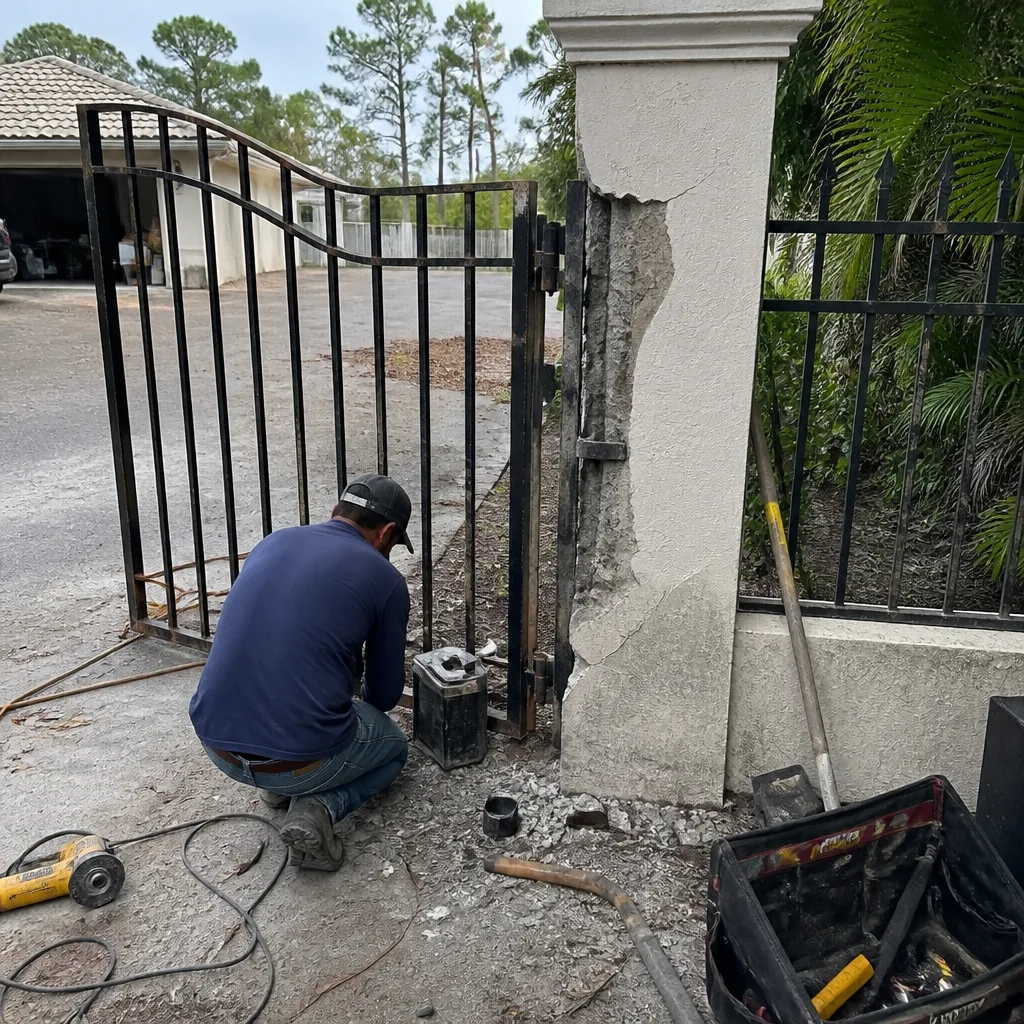 Before
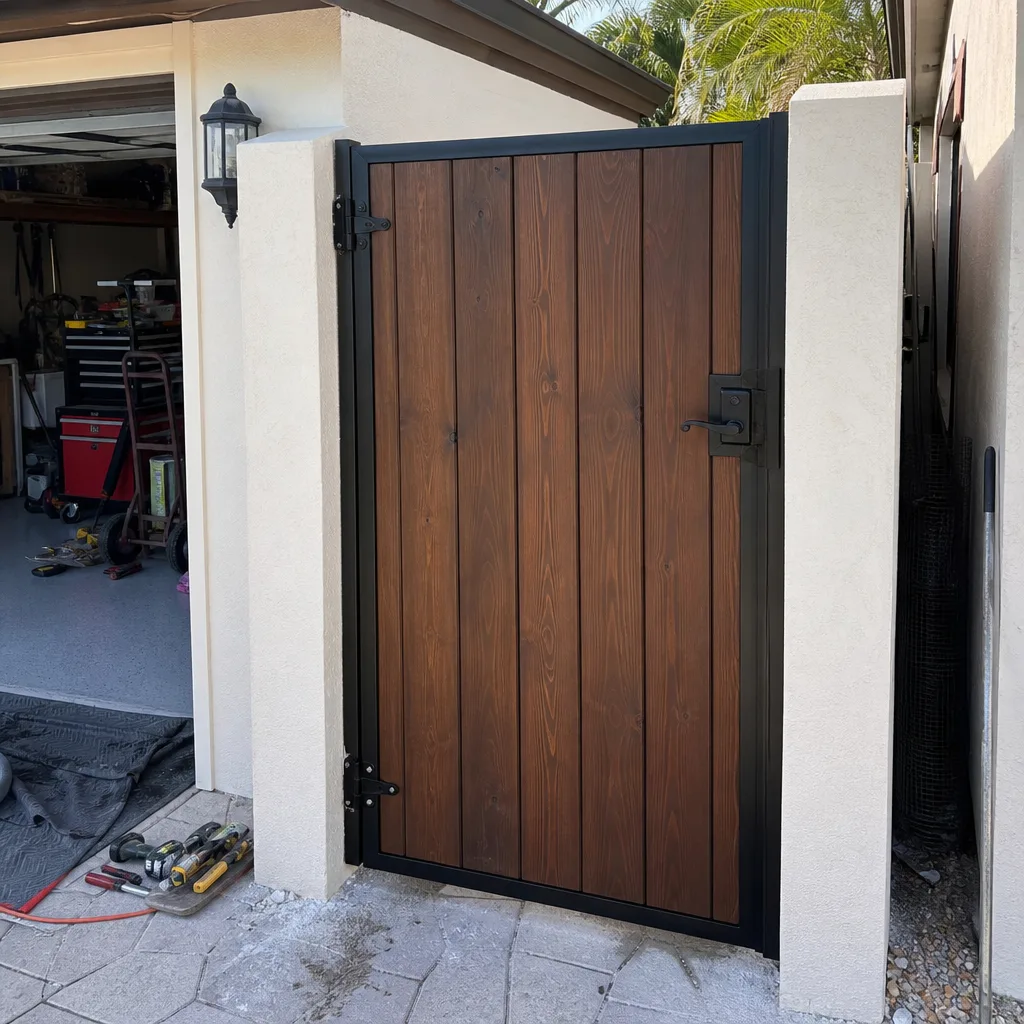 After
After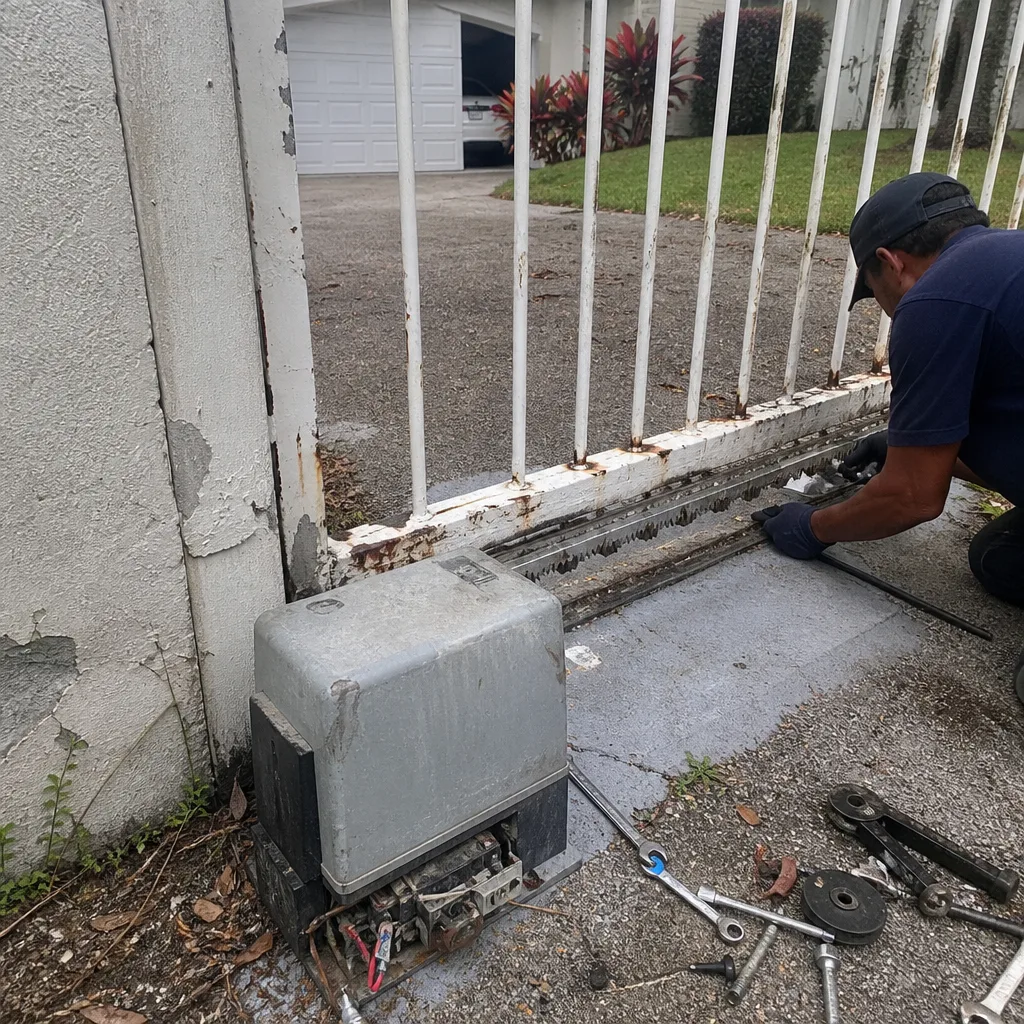 Before
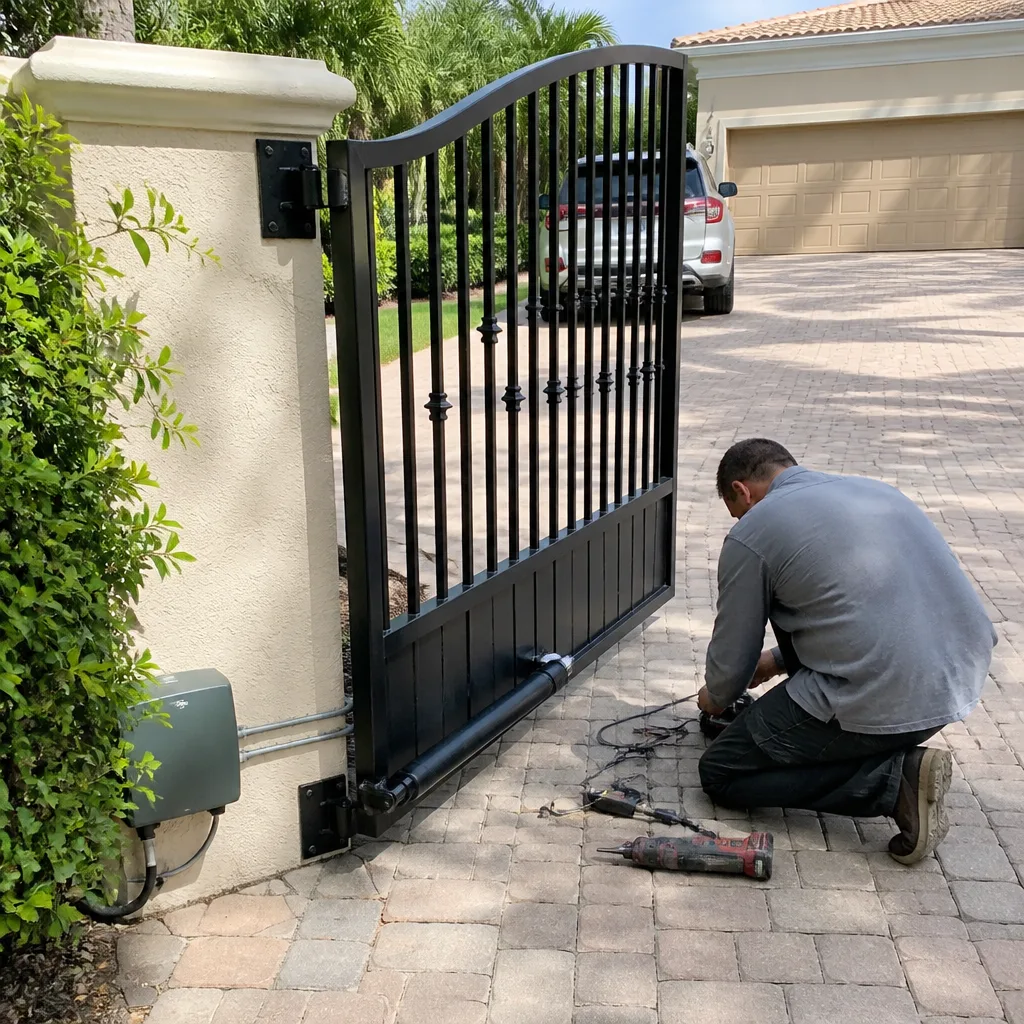 After
After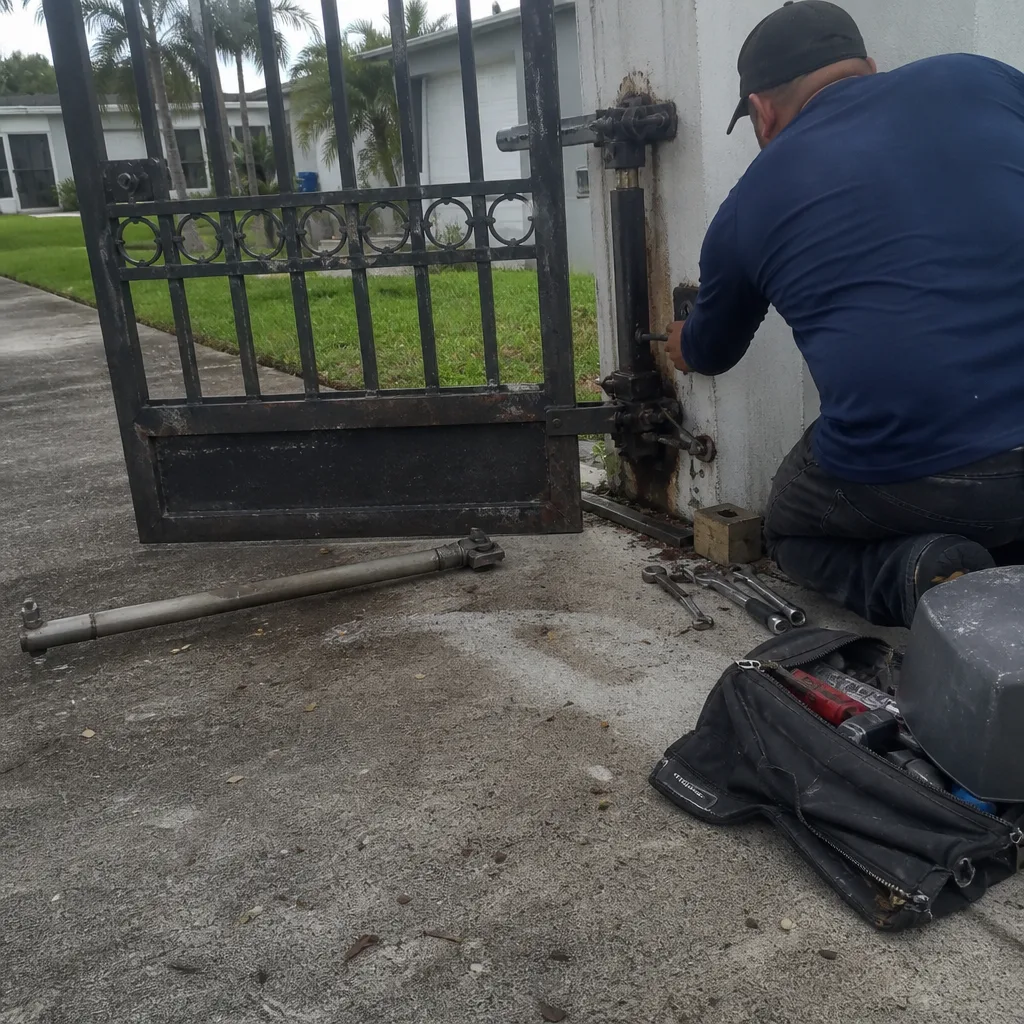 Before
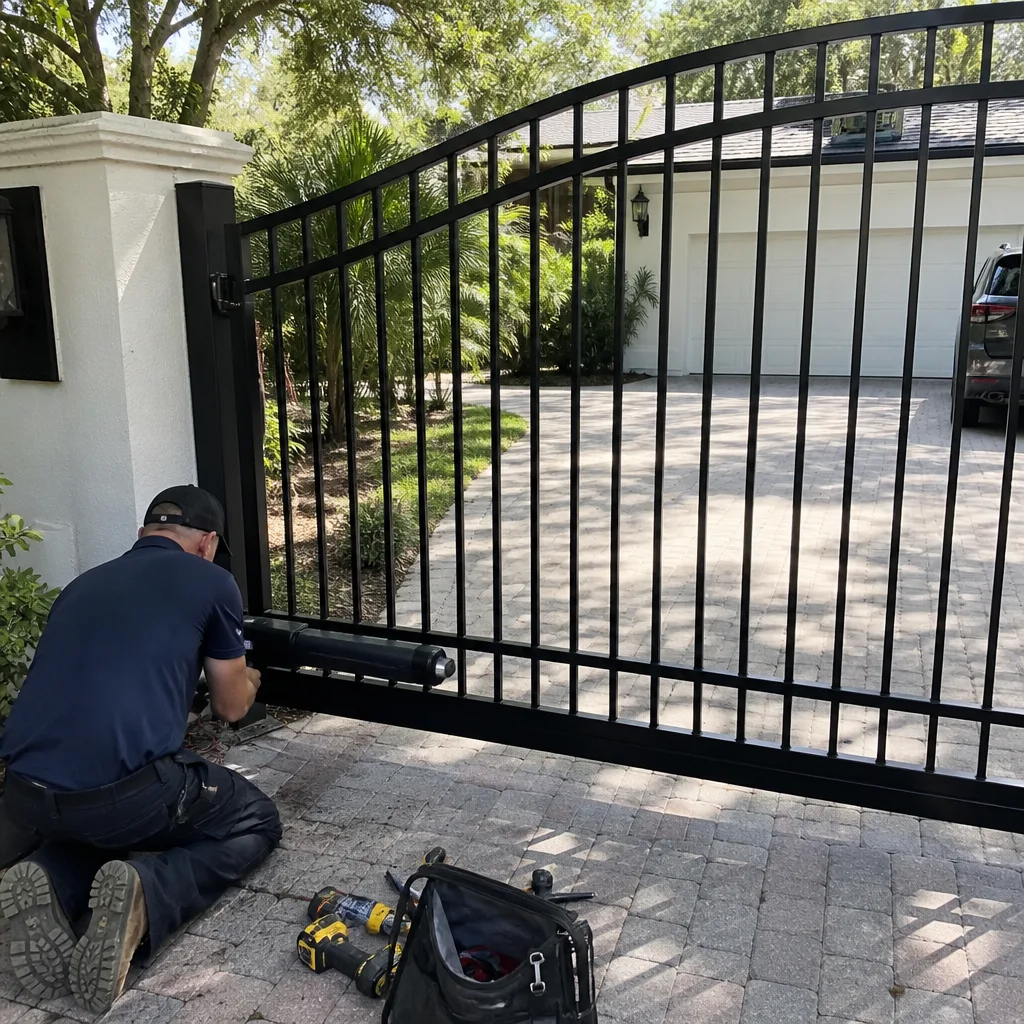 After
AfterWhen to Call a Professional
Call a gate specialist when you’ve verified power and cleared visible obstructions, but the gate still won’t behave. Call when you see a board fault code you don’t understand or a code that keeps returning after resets. Call when the symptom involves grinding from inside the operator, sparking, a burning smell, or any exposed wiring. Call when the gate moves unpredictably, especially around children, animals, or vehicle traffic – unpredictable gate behavior is a safety issue first and a repair issue second. And call when the repair involves anything inside the operator housing, where capacitors hold a stored charge that can injure even with the power off.
Gate systems are unforgiving. One wrong adjustment on a double-leaf gate can bind the leaves, kick a limit switch out of alignment, and turn a $150 repair into a $900 rebuild. A diagnostic visit is cheaper than a misdiagnosis. Courtyard Gate Repair offers free estimates in Fort Myers – call (844) 791-3898.
Frequently Asked Questions
Gate repair in Fort Myers typically costs $150 to $450 for common component replacements like batteries, capacitors, limit switches, and photo eye sensors. Board replacements run $400 to $900, and motor replacements can exceed $1,000, depending on the brand and model. These are our observed market ranges, not quotes – every gate is different, and the diagnostic determines the actual price. Call (844) 791-3898 for a free estimate on your specific system.
Same-day repair is possible for many common failures when the part is in stock. Operators from LiftMaster, Linear, Viking, BFT, and Ghost Controls share many common components, and our service vehicles carry the most frequently replaced parts. Complex board or motor failures may require ordering a specific part, which typically takes 2 to 5 business days. Describe the symptom when you call, and we’ll tell you whether same-day is realistic for your failure.
Yes. Courtyard Gate Repair is brand-agnostic, which means we diagnose and repair LiftMaster, FAAC, BFT, Linear, Viking, Ghost Controls, DoorKing, and Elite systems, plus most other residential and light-commercial operators. Gate repair is our only trade, not a side service, so every technician on our team is trained specifically on gate systems. We repair what others replace – the right fix for your existing equipment, not a sales pitch to switch brands.
Intermittent gate failures are triggered by a specific condition – humidity after rain, afternoon heat, a particular remote, or a certain gate position. The condition is the clue. In Fort Myers, heat-sensitive capacitors and corrosion-affected connections are the two most common causes of intermittent gate behavior. Keep a log of when the gate fails (time, weather, which control you used), and record a video whenever possible. Pattern data makes the diagnosis dramatically faster.
The answer depends on the specific failure and the unit’s age. Most repairs cost less than 40% of replacement, and a properly diagnosed repair on a healthy operator can add years of reliable service. Replacement is usually the better call when the board has failed on a unit older than 10 years, or when the cost of cumulative repairs in the previous two years exceeds half the cost of a new system. Courtyard Gate Repair home gives you an honest assessment either way. We’ll present the repair and replacement options with real numbers so you can decide.
Straightforward component repairs like board, capacitor, and battery replacement typically do not require a permit, regardless of brand. Larger modifications, including relocating a gate, widening the driveway opening, or installing an entirely new operator with significant electrical work, may require a permit from the City of Fort Myers or Lee County, depending on the property’s jurisdiction. This is one area where skipping the proper approval can create problems at resale, so it’s worth confirming requirements before starting work.
The Bottom Line
Gate troubleshooting works when you think in symptoms, not parts. A gate that moves slowly is telling you the battery or capacitor is tired, not that the whole system is shot. A gate that reverses mid-cycle is telling you the limit switch or obstruction detection is active, not that the sensors need replacing. Read the symptom, check the fault code on your specific unit, work from the most likely cause down, and don’t replace anything until you’ve applied the three-question filter. Some repairs are safe to handle yourself. Many aren’t, especially anything inside the operator housing. When the diagnostic path gets complicated or the stakes are high, call a specialist. We’re gate people, not generalists, and we do this work in Fort Myers every day. Call (844) 791-3898 for a free estimate.
Written by the team at Courtyard Gate Repair, serving Fort Myers since 2017. Explore more guides & resources on our blog.